


Attendant console
Landis for Microsoft Teams · from Amtech
Receptionist and contact centre tools,
inside Microsoft Teams.
Landis adds a fast receptionist console and proper contact centre features to Microsoft Teams Phone, built on Microsoft’s own communication APIs, so your team never leaves Teams.
- ✓ Built for Microsoft Teams
- ✓ Works with any Teams calling setup
- ✓ Set up and supported by Amtech
Overview video from Landis Technologies
Landis productsAttendant ConsoleContact CenterCall recordingLive dashboardsVisual IVR
Why Landis
Teams Phone is great. Receptionists and service teams need a bit more.
Transferring calls quickly, seeing who is free and running proper queues can be hard in standard Teams. Landis adds those tools, natively inside Teams, without changing your phone provider.
- One-click transfers and colleague presence for receptionists
- Contact centre queues, live dashboards and reporting in Teams
- Works with Calling Plans, Direct Routing or Operator Connect



How we deliver it
From first call to fully supported
- 01
Discover
We map how calls and conversations come in today, and what your team needs.
- 02
Design & configure
Numbers, call flows, users and integrations set up and tested before go-live.
- 03
Train & go live
Users and admins trained, with numbers ported and the switch-over planned carefully.
- 04
Support & improve
Our UK servicedesk supports your users and reviews the setup with you.
Features
Everything your front desk and service team need
Attendant console
A receptionist console built for fast, accurate Teams call handling.
1-click transfers
Blind, consult and warm transfers with keyboard shortcuts.
Presence & contacts
See who is free before you transfer, with contact groups and notes.
Contact centre queues
Advanced queuing and routing for service teams in Teams.
Live dashboards
Queue and agent stats in real time, plus historical reports.
Call recording
Customer service call recording built for Teams.
Visual IVR & automation
Menus and Power Automate triggers for smarter call flows.
Native to Teams
Built using Microsoft’s APIs, so it works the way Teams does.
How it fits together
Landis sits on top of Teams Phone
Calls arrive through your existing Teams calling setup. Landis adds the receptionist console and contact centre layer, then hands calls to the right people in Teams.
See it on a demoCalling Plans
Operator Connect
Direct Routing
Landis + Teams PhoneConsole, queues and reporting
Receptionist console
Contact centre agents
Live dashboards
Recordings
Set up, monitored and supported by Amtech
Who it's for
Who uses Landis
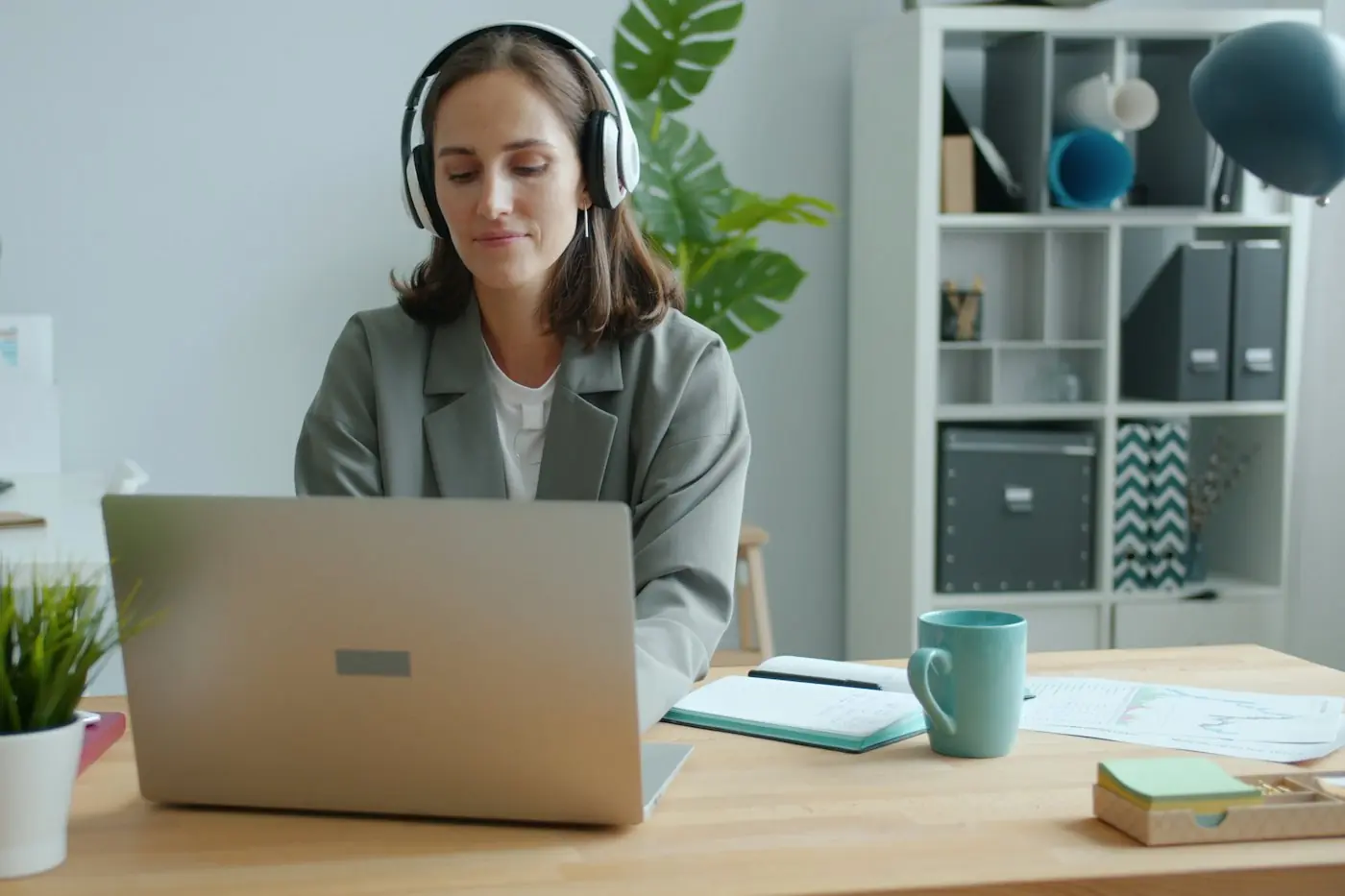
Receptionists
Answer and transfer calls in one click, with colleague presence and notes on callers.
Desktop app or browser.
Customer service teams
Queues, skills-based routing, live dashboards and reporting, all in Teams.
No separate contact centre system to learn.

IT and help desks
Manage busy support lines with queues and call-back reminders.
Integrates with Power Automate and Power BI.

Multi-site organisations
One front desk can cover several sites and departments.
Works with any Teams calling setup.
Video library
See Landis in action


Security & compliance
Secure communications, properly managed
We set up every platform to your policies and manage changes through our ISO 27001 certified processes.
- Secure admin access with multi-factor authentication
- Call recording set up to your retention rules
- UK GDPR-aware configuration
- Change control through our servicedesk
- Regular reviews of users and licences
- Backed by ISO 27001 & ISO 9001 certification
Why Amtech
Why buy Landis from Amtech?
UC specialists
Unified communications is at the heart of what Amtech does.
Vendor-neutral advice
We supply several platforms, so we recommend the one that fits, not the one we have to sell.
Done properly
Number porting, call flows and integrations planned and tested before switch-over.
UK support
Our servicedesk supports your users and manages the vendor for you.
Integrates withMicrosoft TeamsTeams PhonePower AutomatePower BIPower AppsMicrosoft 365
Get started
Talk to us about Landis
Tell us how calls are handled today and how many receptionists or agents you have. We’ll show you Landis working in Teams.
- Step 1Quick call15–30 minutes on your team, your setup and what you need.
- Step 2DemoWe show you the platform working, using scenarios like yours.
- Step 3ProposalA clear design and fixed price.
- Step 4Go liveSet up, tested and supported by our servicedesk.
FAQs
Questions we often hear
Do we need Microsoft Teams Phone?
Yes. Landis works on top of Teams Phone, with Calling Plans, Direct Routing or Operator Connect.
Do we need to change our phone provider?
No. Landis works with your existing Teams calling setup.
Can it run in a browser?
The attendant console can be used as a desktop app or in a browser.
What reporting is included?
Landis Contact Center includes live dashboards and historical reports on queues and agents, and can feed Power BI.
Can you help us move to Teams Phone first?
Yes. We can move you to Teams Phone and add Landis in one project.
Landis is a trademark of Landis Technologies LLC. Microsoft and Teams are trademarks of Microsoft Corporation. Details are based on published vendor information and may change.