


Overview
Cisco Meraki · Premier Partner
Your whole network,
one dashboard.
Cisco Meraki brings Wi-Fi, switching, security, SD-WAN and cameras together under a single cloud dashboard. It is simple to run, secure by default and built for multi-site organisations.
- ✓ Cisco Premier Partner
- ✓ Multi-site and branch specialists
- ✓ Deployed and supported by Amtech
Overview video from Cisco
One dashboard forMR Wi-FiMS switchingMX security & SD-WANMV smart camerasMT sensors
Why Meraki
Enterprise networking, without the enterprise headache.
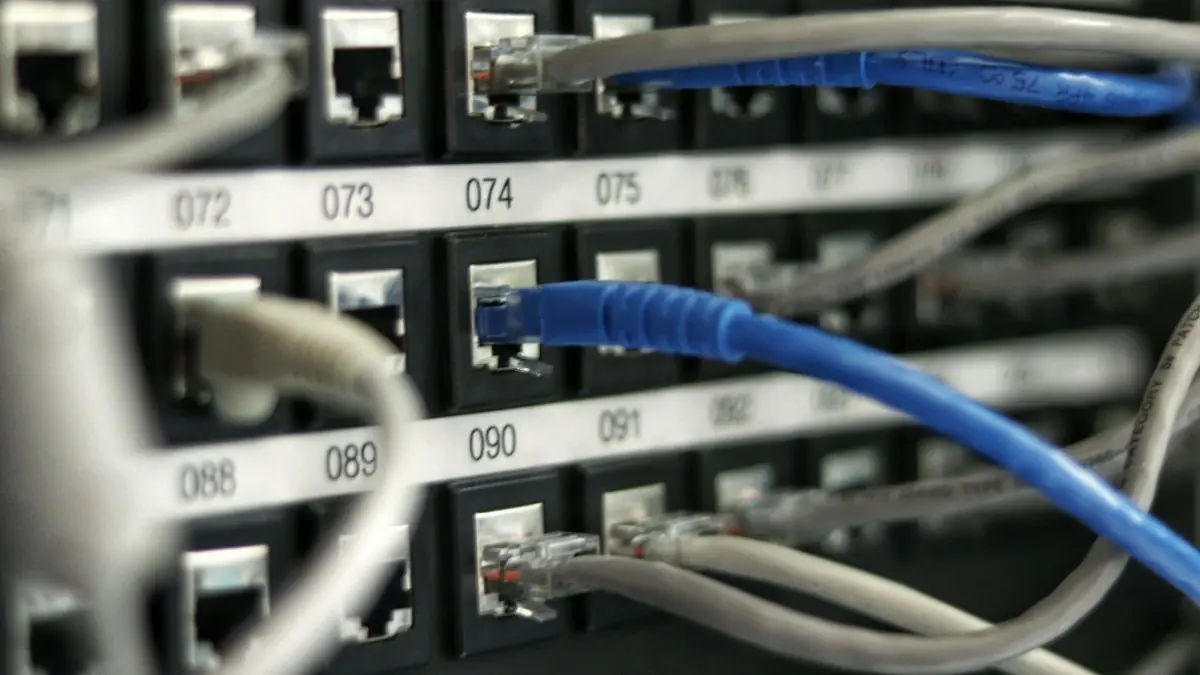
Traditional networks need specialist engineers on site and a separate tool for every device. Meraki is cloud-managed from the ground up, so every site, switch, access point and camera is configured, monitored and updated from one place.
- Provision, configure and troubleshoot every site from one dashboard
- New branches self-provision: plug in the kit, no on-site IT needed
- Visibility of users, devices and apps across the whole organisation

How we deliver it
From design to day-two support
- 01
Assess & design
We review your sites, applications and security needs, then design the right mix of Meraki kit and licensing.
- 02
Deploy
Devices are claimed into your dashboard before they ship; on site they plug in and pull their configuration from the cloud.
- 03
Secure & connect
Firewall, content filtering and secure SD-WAN between sites, configured to your policies.
- 04
Monitor & support
We monitor the dashboard, act on alerts, manage firmware and handle changes through our servicedesk.
Features
Everything from the Wi-Fi to the firewall
MR wireless
Cloud-managed access points with location analytics and Wi-Fi 6E and Wi-Fi 7 options.
MS switching
Access and aggregation switches, including stackable and PoE models, managed alongside everything else.
MX security
Next-generation firewall and unified threat management in one cloud-managed appliance.
Secure SD-WAN
Link sites securely and steer traffic over the best available connection automatically.
MV smart cameras
Cloud-managed security cameras with no separate video recorder to maintain.
MT sensors
Monitor temperature, humidity, doors and power in comms rooms and sensitive areas.
One dashboard
Provision, configure and troubleshoot every device and site in one place.
AI-assisted operations
Cisco’s AI assistant and agentic workflows in the dashboard speed up troubleshooting.
How it fits together
Every site, managed as one network
A typical multi-site Meraki design: each site has an MX for security and SD-WAN, MS switches and MR access points, all managed from one dashboard. Sites link together securely, and you, and we, see everything in one place.
Plan your network with usMeraki dashboardEvery site, device and user in one view
Head office
MXFirewall & SD-WAN
MSSwitching
MR / MVWi-Fi & cameras
Branch
MXFirewall & SD-WAN
MSSwitching
MR / MVWi-Fi & cameras
Warehouse
MXFirewall & SD-WAN
MSSwitching
MR / MVWi-Fi & cameras
⇄ Secure SD-WAN links between every site
Who it's for
Proven in demanding environments
Multi-site organisations
Head office and branches on one standard, with secure SD-WAN between them and one view of every site.
New branches can be shipped pre-configured and simply plugged in.
Retail
Reliable Wi-Fi and secure networks for tills, stock systems and guest Wi-Fi across every store.
Smart cameras and analytics help understand footfall and keep stores safe.
Healthcare
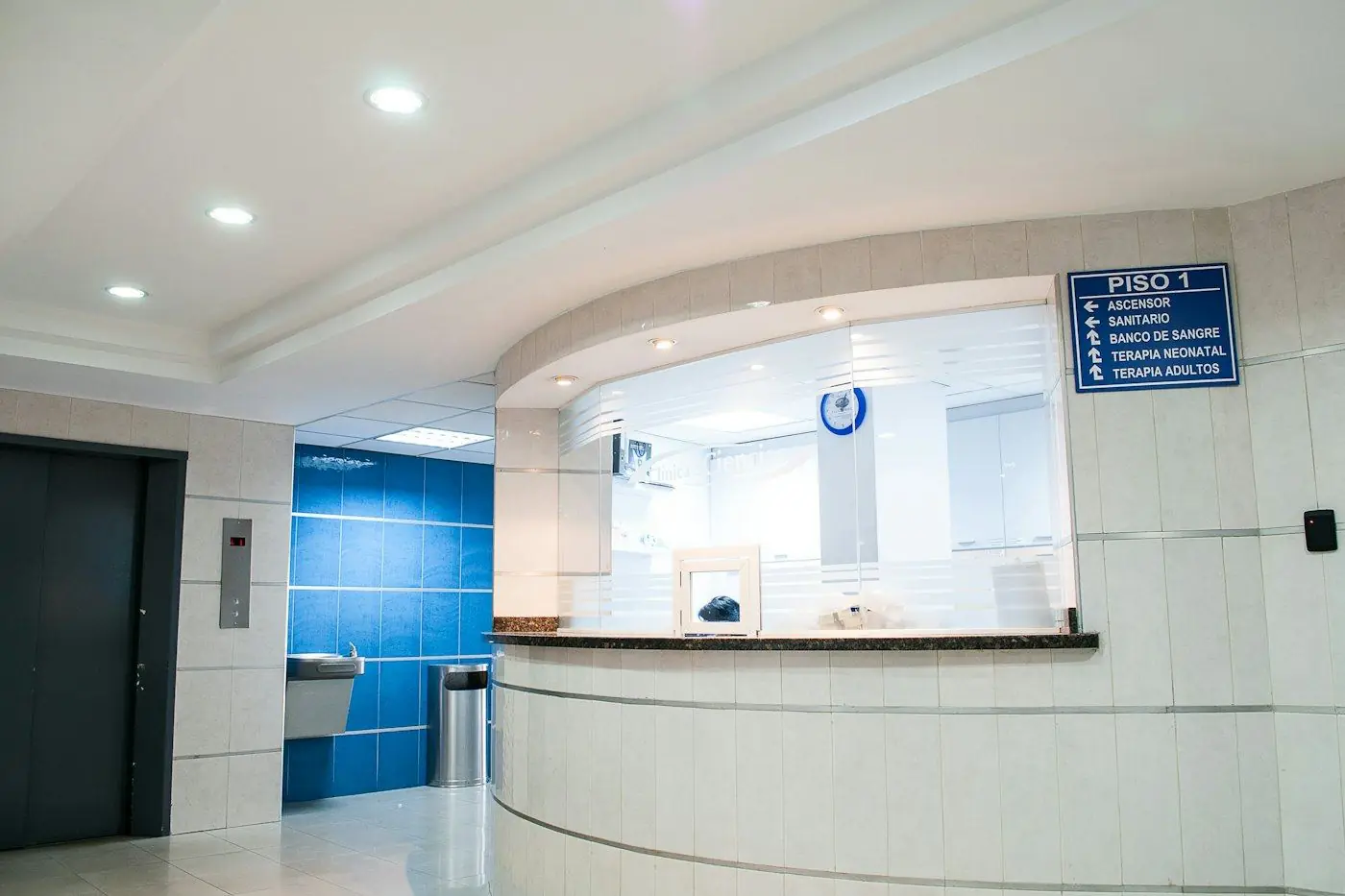
Secure, segmented networks for clinical systems, staff and patient Wi-Fi.
Centralised control helps meet strict security requirements.
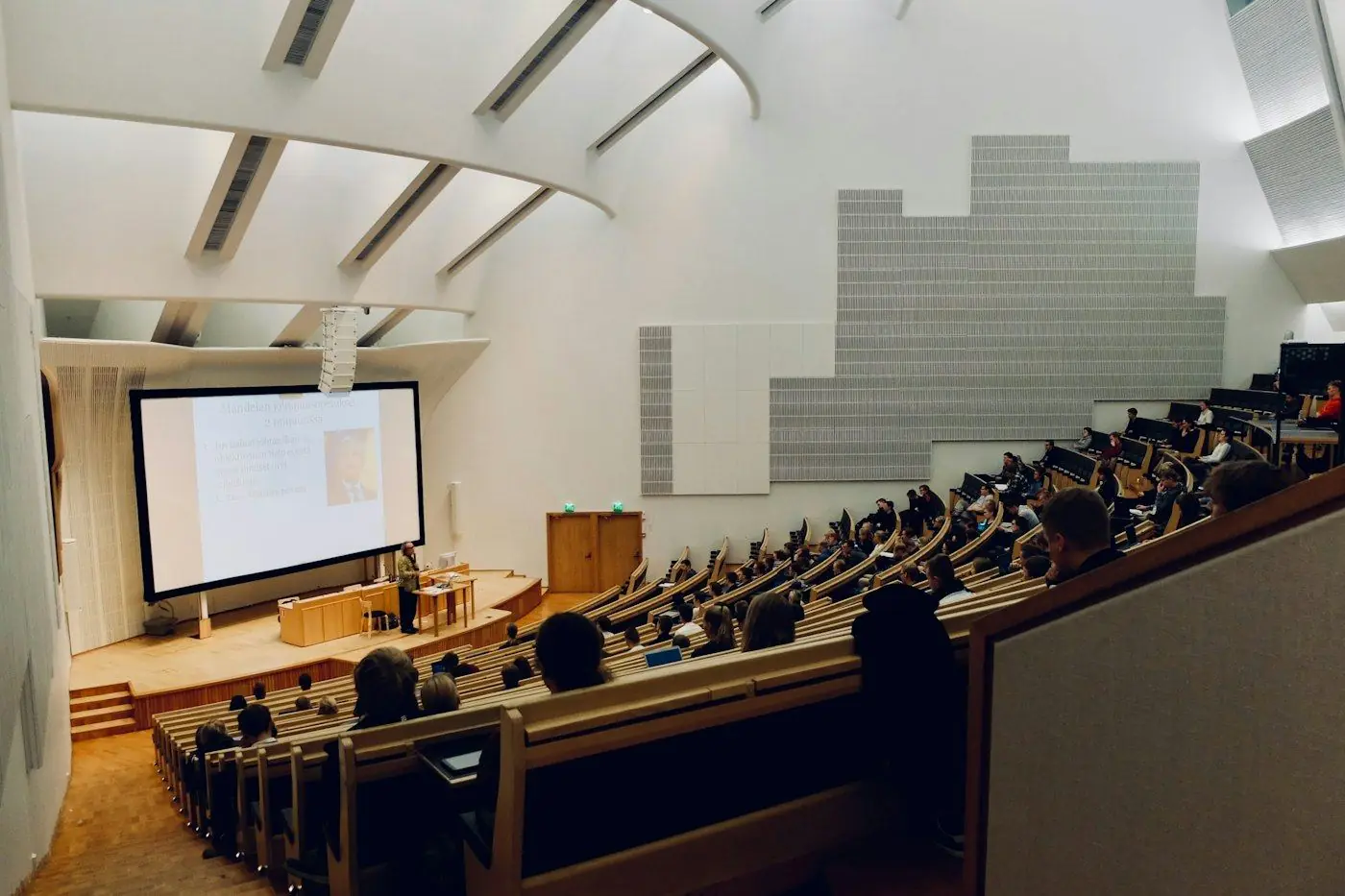
Education
High-density Wi-Fi for lecture halls and classrooms, with content filtering and simple management for stretched IT teams.
Scales from a single school to a whole campus.
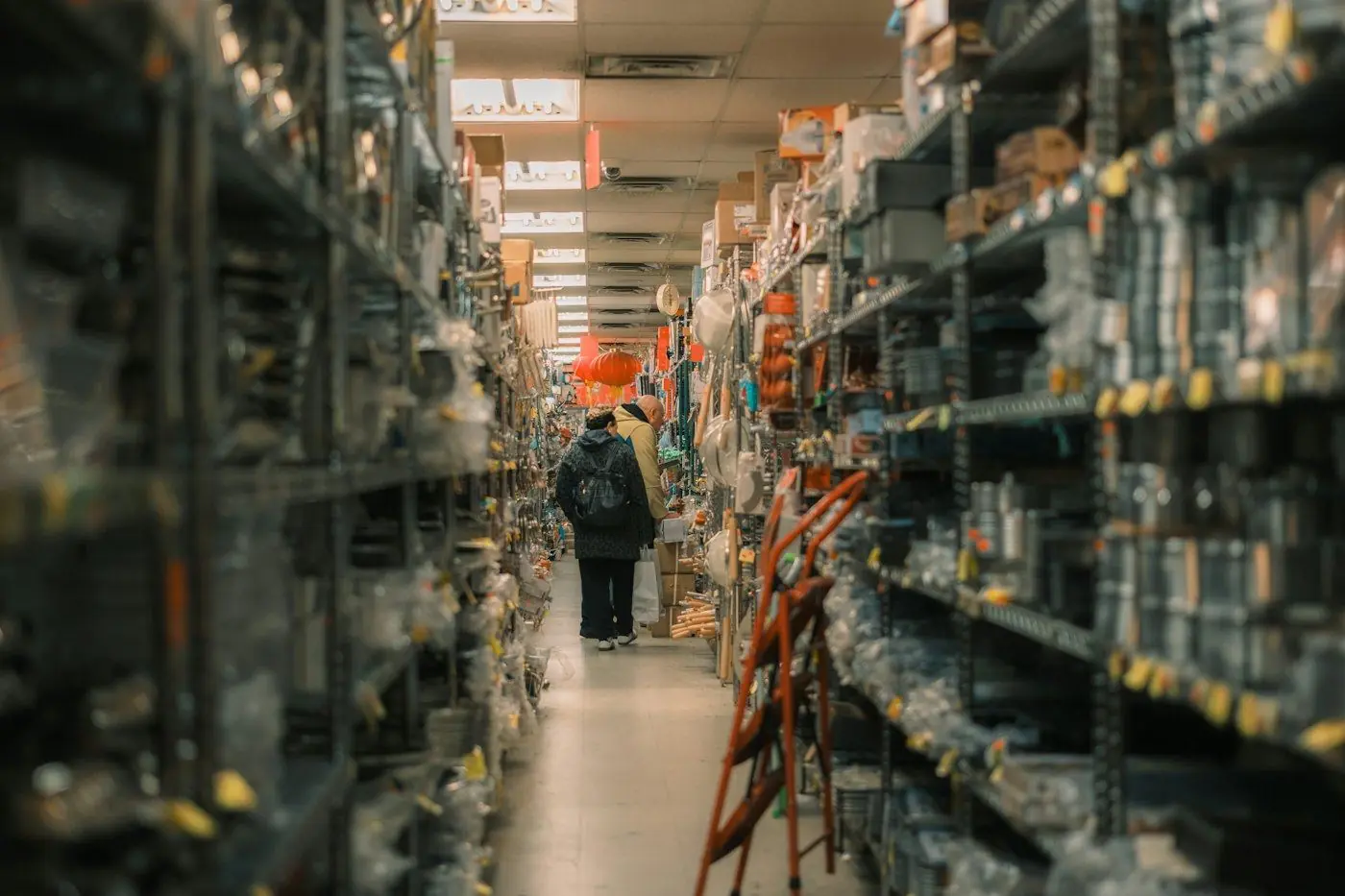
Logistics & warehousing
Wi-Fi coverage for scanners and handhelds across large spaces, with resilient connections between depots.
Sensors keep an eye on comms rooms and sensitive stock.
Physical security
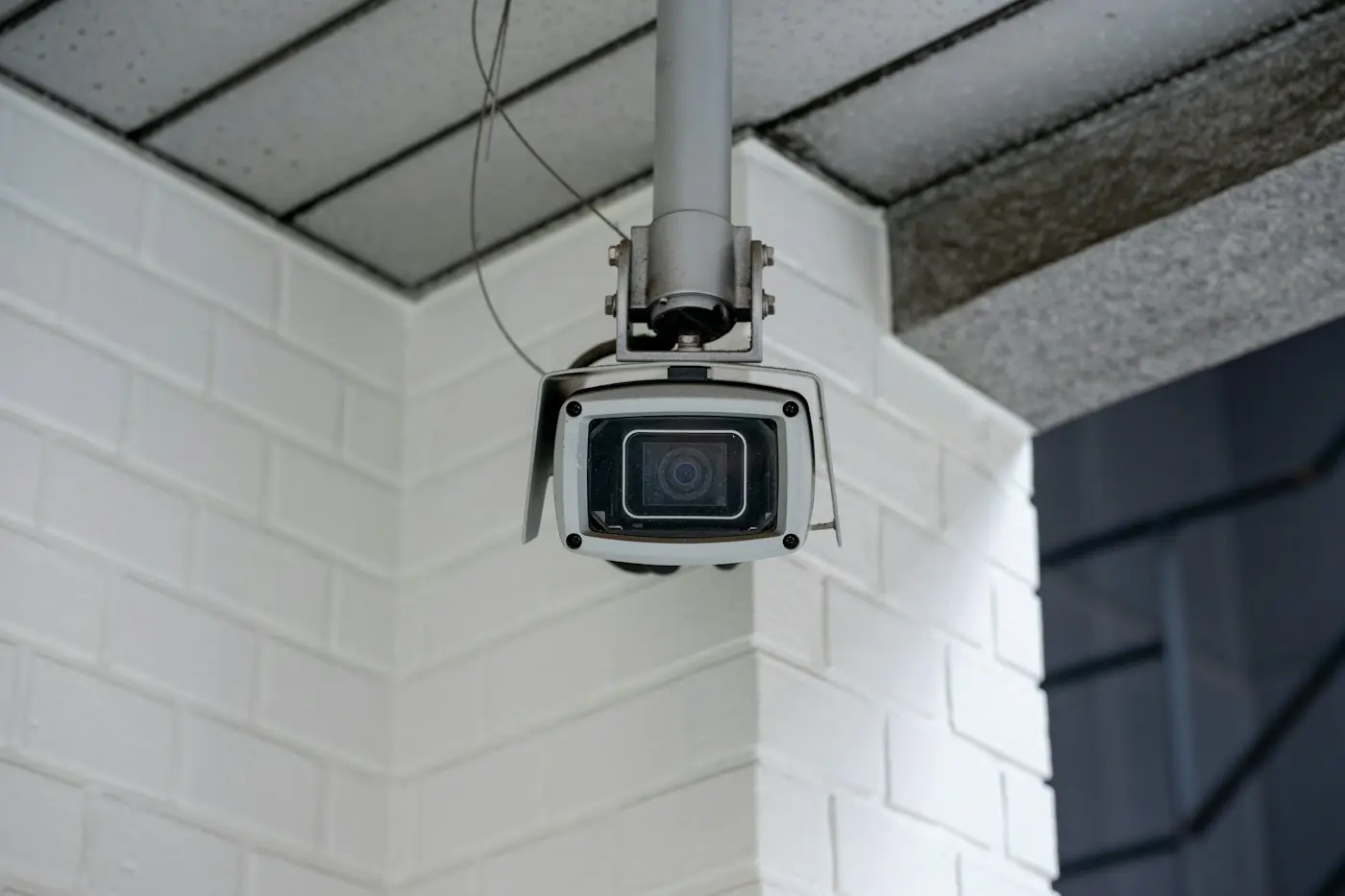
MV smart cameras managed in the same dashboard as your network, with no recorders to maintain.
Review footage from anywhere, securely.
Video library
See Meraki in action


Security & compliance
Security built into every layer
Meraki was designed for the security and compliance needs of large-scale deployments. Amtech configures it to your policies, with our ISO 27001 certified processes behind every change.
- Next-generation firewall and threat protection on the MX
- Content filtering and application control
- Secure SD-WAN and site-to-site VPN
- Separate staff, guest and IoT networks
- Centralised firmware updates across every device
- Full change and event logs in the dashboard
Why Amtech
Why choose a Cisco Premier Partner?
Cisco Premier Partner
Recognised by Cisco, with access to their specialist support and pre-sales teams.
Designed properly
We size licences and hardware to what you actually need, not the biggest box in the catalogue.
Watched, not just installed
We keep an eye on your dashboard and act on alerts, so problems are fixed early.
Joined-up IT
Meraki, Webex, Microsoft 365 and your phones, all supported by one UK team.
Get started
Book a free network review
Tell us about your sites and what isn’t working. We’ll review your network and recommend a Meraki design with clear licensing and pricing.
- Step 1Review call30 minutes to understand your sites, users, applications and security needs.
- Step 2Design & quoteA Meraki design with hardware, licensing and a clear price.
- Step 3DeployPre-staged in the dashboard, installed by our engineers with minimal disruption.
- Step 4SupportMonitoring, updates and servicedesk support from day one.
FAQs
Questions we often hear
What is Cisco Meraki?
Meraki is Cisco’s cloud-managed networking portfolio: Wi-Fi, switches, security and SD-WAN appliances, cameras and sensors, all managed from one web dashboard.
Do we need licences?
Yes. Each Meraki device needs a licence for cloud management and support. We size licensing to your needs and manage renewals for you.
Can Meraki connect our branches?
Yes. MX appliances create secure SD-WAN links between sites automatically, with traffic steered over the best available connection.
What happens if the internet goes down?
Your network keeps working locally; the cloud is used for management, not for passing your data. MX appliances can also fail over to a second line or 4G/5G.
Can you take over an existing Meraki network?
Yes. We can review your current dashboard and licensing, tidy up the configuration and take over support.
Is Meraki suitable for smaller businesses?
It can be, especially for multi-site organisations. For some single sites, TP-Link Omada may be better value, and we’ll advise honestly.
Cisco and Meraki are trademarks of Cisco Systems, Inc. Feature details are based on Cisco’s published information and may change.