


MeetingBar
Yealink video conferencing · from Amtech
Great-value video rooms,
certified for Teams and Zoom.
Yealink makes all-in-one video bars, interactive boards and multi-camera kits for every size of room, certified for Microsoft Teams Rooms and Zoom Rooms.
- ✓ Teams & Zoom certified
- ✓ Huddle space to boardroom
- ✓ Installed by Amtech
Demo video from Yealink
Yealink rangeMeetingBarMeetingBoardMVC room kitsTouch panelsSpeakerphones
Why Yealink
Every room on video, without blowing the budget.
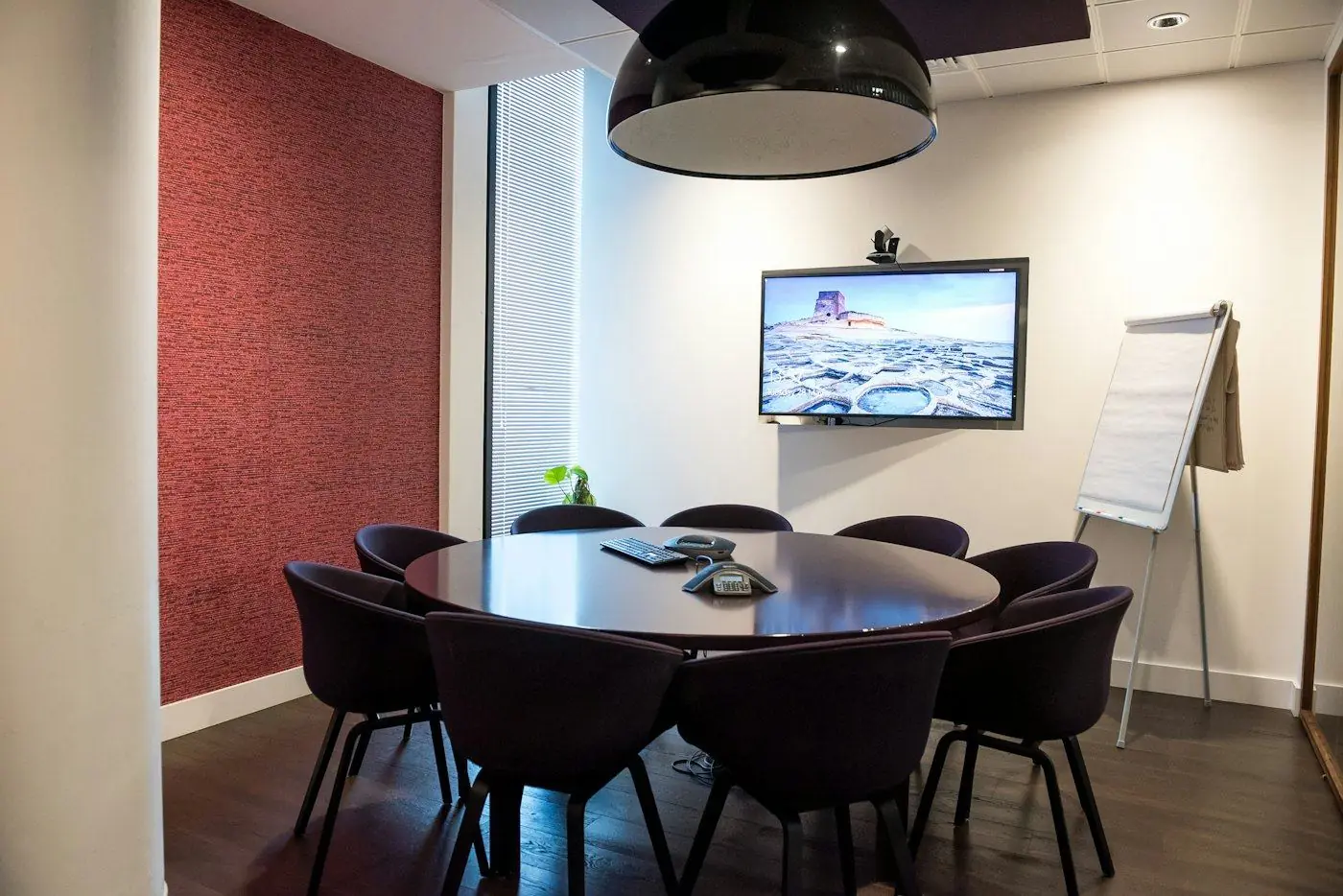
Equipping every room for video can get expensive. Yealink’s certified devices give great audio and video at a sensible price, so you can roll out more rooms.
- All-in-one MeetingBars for small and medium rooms
- Multi-camera MVC kits for large rooms and boardrooms
- Certified for Microsoft Teams Rooms and Zoom Rooms

How we deliver it
From room survey to monitored room
- 01
Survey
We look at the room size, layout, acoustics and how people meet there.
- 02
Design
The right camera, audio, display and controller, certified for your platform.
- 03
Install
Mounted, cabled, signed in to Teams, Zoom or Webex, and tested.
- 04
Monitor & support
We monitor your rooms and fix issues before the next big meeting.
Features
The right Yealink kit for every room
MeetingBar
All-in-one video bars with camera, mics and speakers for small and medium rooms.
MeetingBoard
Interactive touch displays for video and whiteboarding.
MVC room kits
Multi-camera Teams Rooms systems for large spaces.
Touch panels
Simple one-touch control to start and join meetings.
AI cameras
Auto-framing and speaker tracking keep everyone in view.
Audio
Wireless and ceiling mics for clear sound in bigger rooms.
Certified
Native Microsoft Teams Rooms and Zoom Rooms.
Remote management
Devices managed and updated centrally.
How it fits together
One platform, every room
Pick the right Yealink device for each room size. Every room joins your Teams or Zoom meetings with one tap and is managed centrally.
Plan your roomsHuddle room
Meeting room
Boardroom
Yealink devicesMeetingBar, MeetingBoard, MVC
Microsoft Teams Rooms
Zoom Rooms
Central management
Set up, monitored and supported by Amtech
Who it's for
Yealink in every type of room
Huddle rooms
A compact MeetingBar with a touch panel turns a small room into a video room.
Quick to install with minimal cabling.
Meeting rooms
MeetingBars with AI framing keep everyone in view.
Teams and Zoom certified.
Large rooms and boardrooms
Multi-camera MVC kits with extra mics for big spaces.
Speaker tracking follows the conversation.

Collaboration spaces
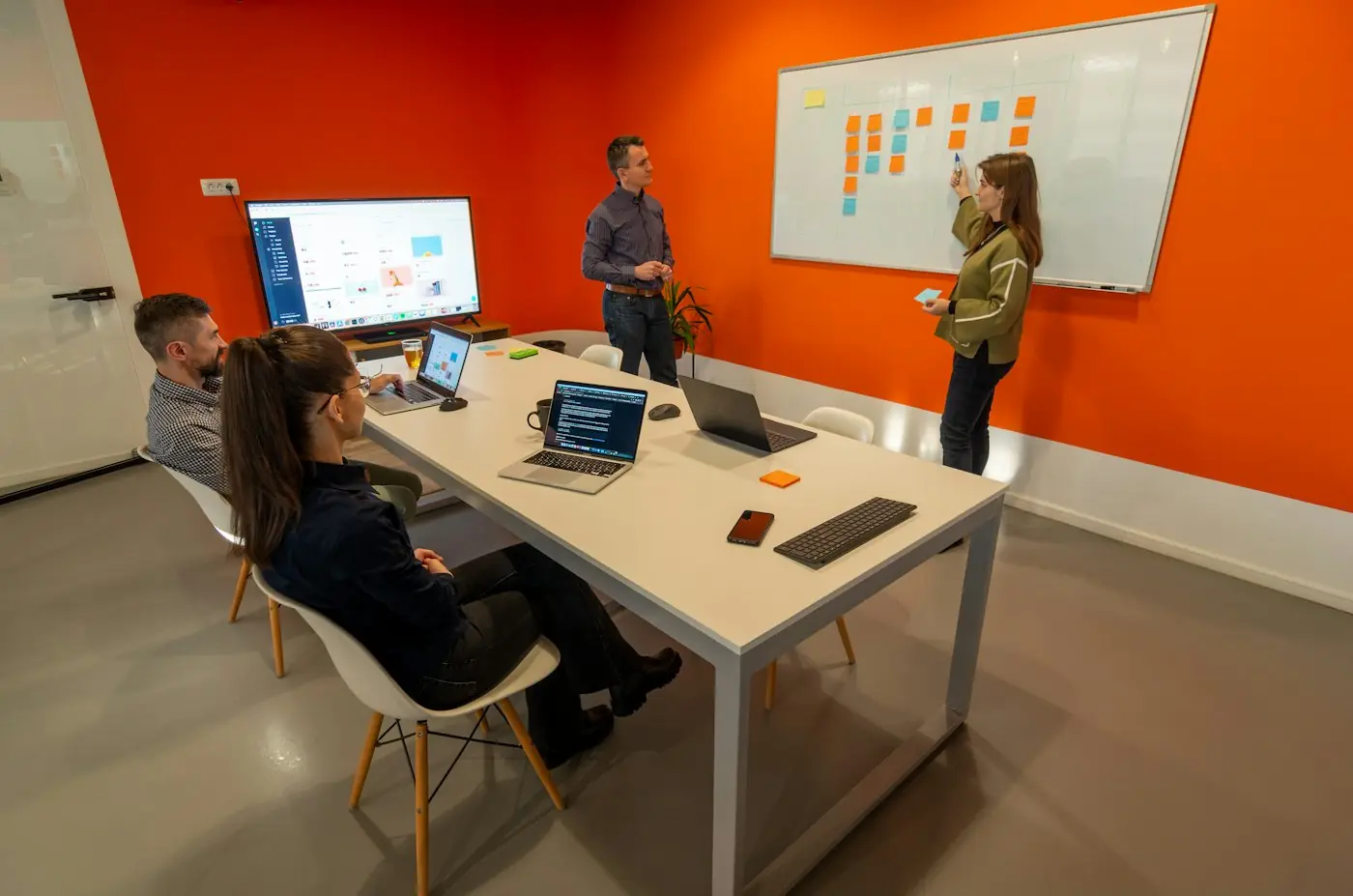
MeetingBoard combines video and digital whiteboarding.
Great for workshops and project teams.
Video library
See Yealink in action


Security & management
Rooms that stay secure and up to date
Meeting room devices are computers on your network. We manage them like any other device, with updates, monitoring and secure sign-in.
- Dedicated resource accounts for each room
- Firmware and app updates managed for you
- Devices on a secure network segment
- Remote monitoring and alerting
- Certified for Teams, Zoom or Webex
- Backed by our ISO 27001 certified processes
Why Amtech
Why buy Yealink from Amtech?
Meeting room specialists
We design and install rooms for Microsoft Teams, Zoom and Webex.
Several brands, one partner
Cisco, Yealink, Poly, Neat and DTEN, so every room gets the right fit.
Tested before handover
Every room is signed in, tested and documented before we leave.
Monitored afterwards
We keep an eye on your rooms and handle firmware and fixes.
Integrates withMicrosoft Teams RoomsZoom RoomsRoom booking panelsWireless content sharing
Get started
Talk to us about Yealink
Tell us about your rooms and which meeting platform you use. We’ll recommend the right Yealink kit and give you a clear price.
- Step 1Quick callHow many rooms, what sizes and which meeting platform.
- Step 2SurveyWe check the room, the cabling and the network.
- Step 3ProposalThe right kit for each room, with a clear price.
- Step 4InstallInstalled, tested and monitored by Amtech.
FAQs
Questions we often hear
Is Yealink certified for Microsoft Teams?
Yes. Yealink has a wide range of devices certified for Microsoft Teams Rooms, and Zoom Rooms models too.
Which device do we need?
It depends on room size and layout. We survey the room and recommend the right model.
Can you install them?
Yes. We mount, cable, sign in and test every room.
Can the devices be managed remotely?
Yes. We monitor and update your rooms centrally.
Do you supply touch panels and booking screens?
Yes, we can supply Yealink touch panels and room booking displays.
Yealink is a trademark of Yealink Network Technology Co., Ltd. Microsoft Teams and Zoom are trademarks of their owners. Details are based on published vendor information and may change.